Collect structured requests
 Collect structured requests
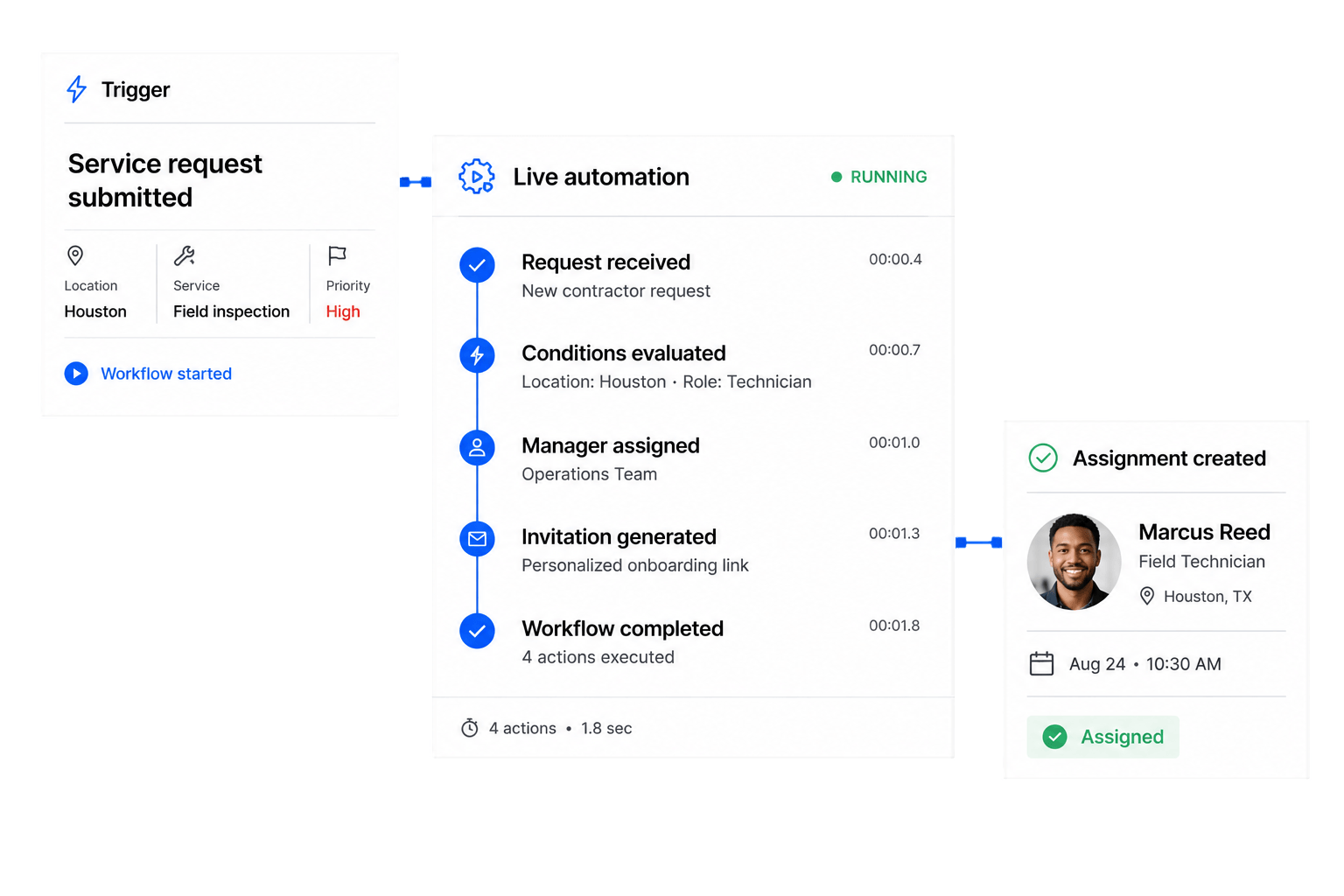
Use custom forms to start a structured digital workflow.
Build custom workflow management software with AI—configure forms, triggers, routing, tasks, roles, approvals, actions, and portals around your business processes.
Workflow Operations
Use a configurable workflow builder and workflow engine to orchestrate intake, conditional routing, human decisions, tasks, approvals, and status changes—not disconnected recipes or rigid predefined processes.
Use custom forms to start a structured digital workflow.
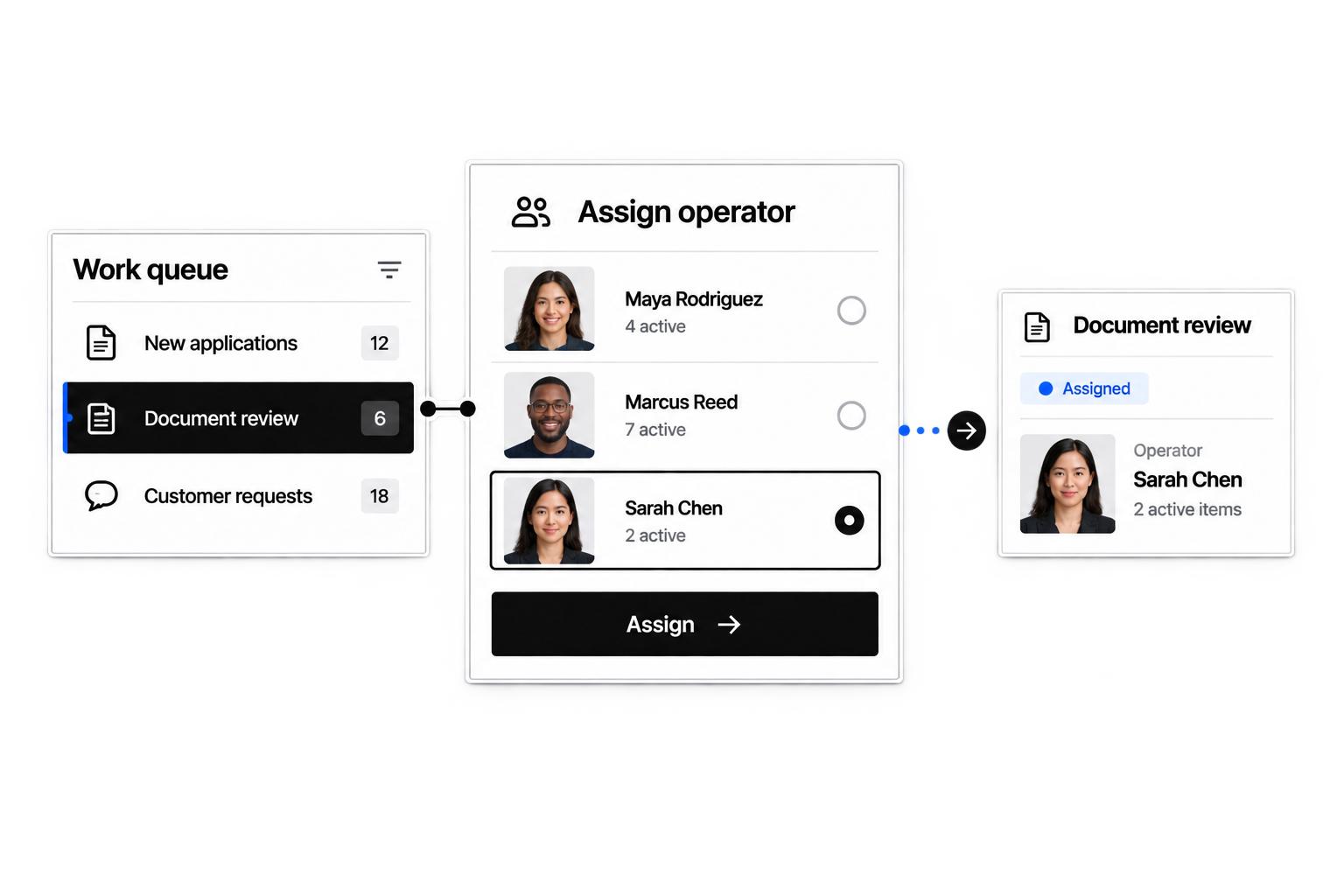
Automate routing, assignments, and tasks with your business rules.
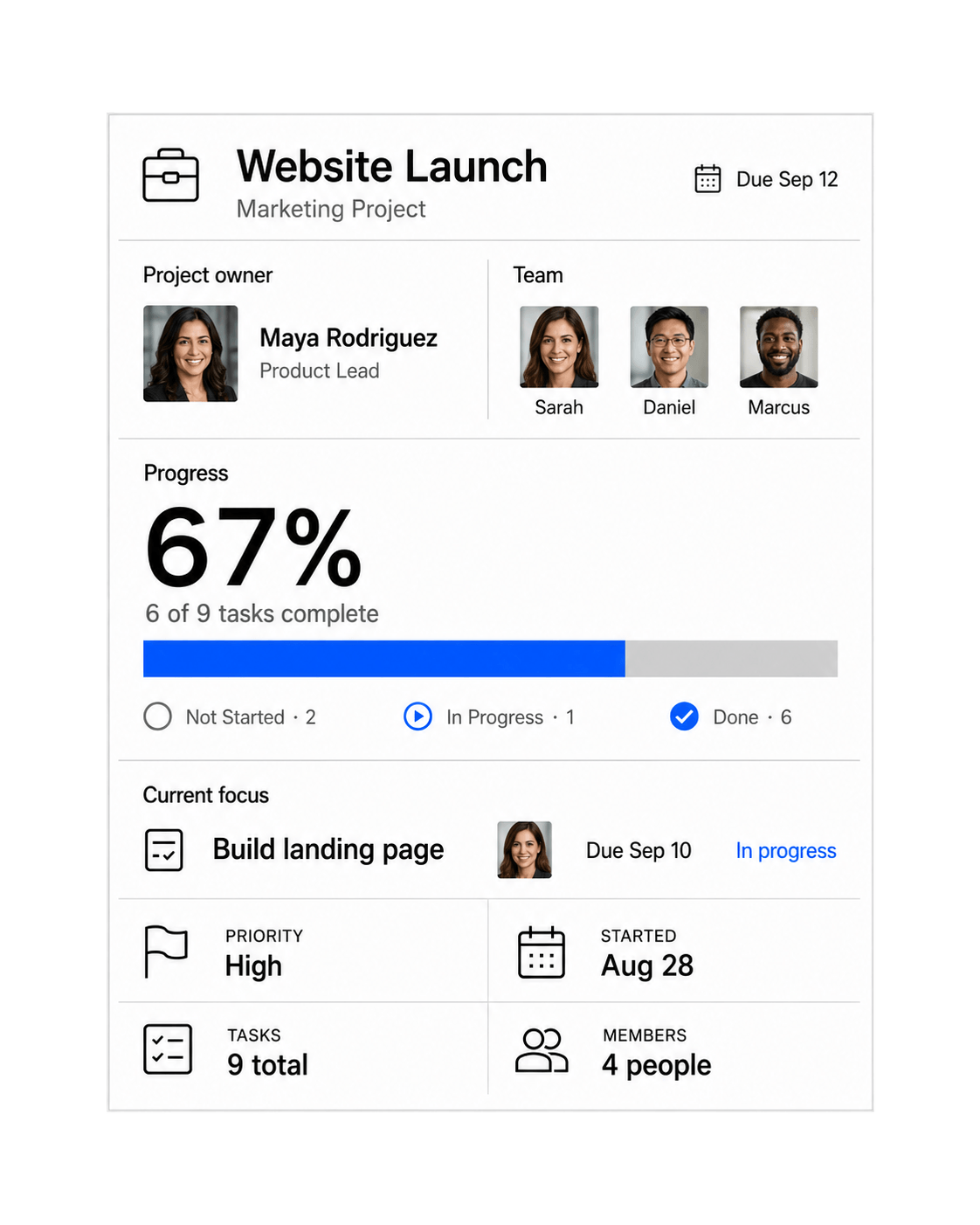
Track process stages, approvals, owners, and next actions.
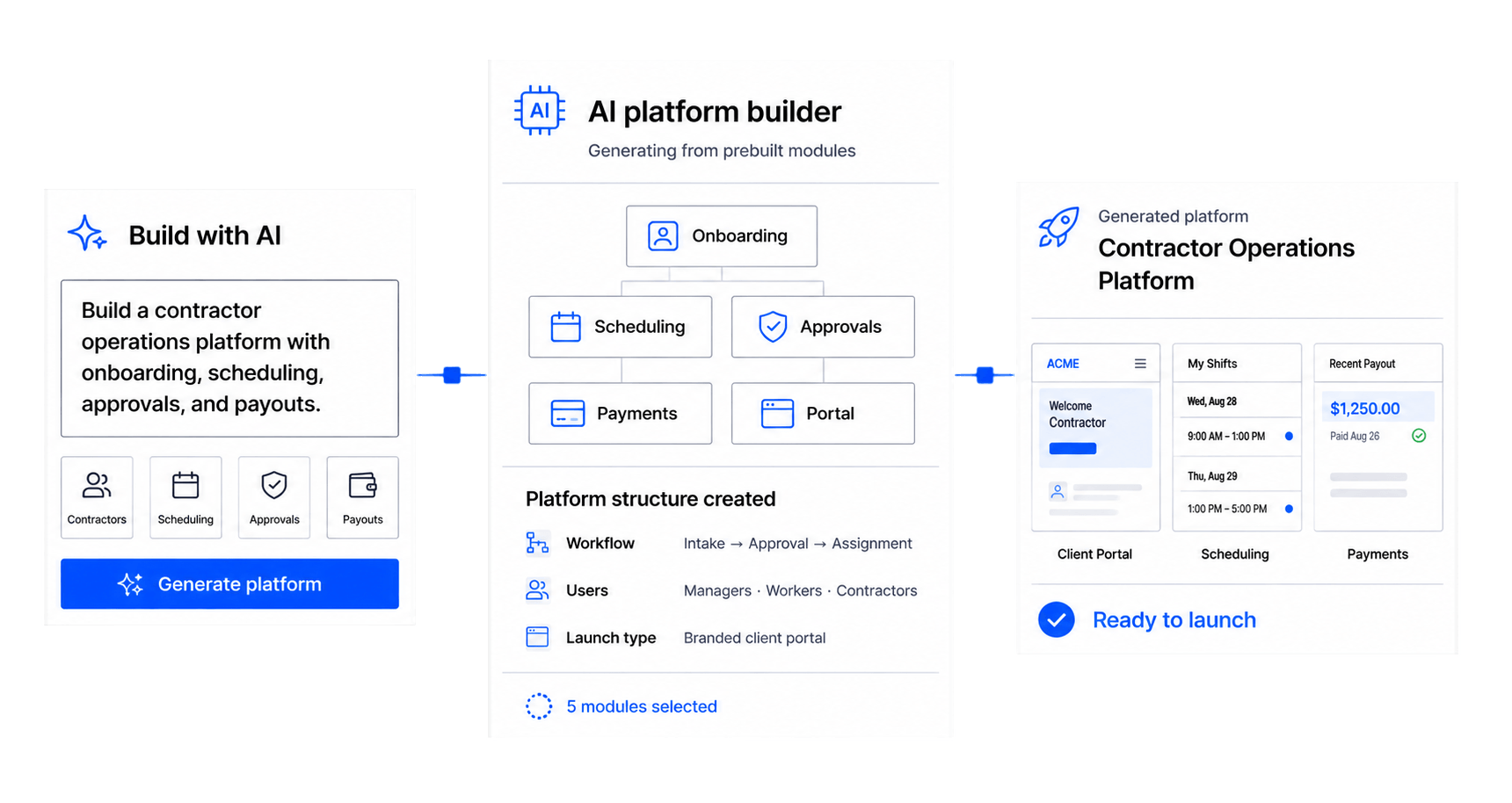
Design custom workflow software in operational language with AI.
Workflow automation software moves operational work through defined triggers, steps, assignments, approvals, actions, and status changes.
You can configure processes such as service requests, onboarding, approvals, project intake, document review, and other structured multi-step work.
Yes. Describe your process and configure the stages, data, roles, interfaces, and rules it needs.
Yes. Forms can collect structured information that starts and guides a workflow.
Yes. Add review stages, assigned approvers, required information, and configured outcomes.
Routing can use configured information such as role, location, request type, or status.
Yes. Notifications and follow-up actions can be configured around meaningful workflow events.
Yes. Roles and permissions can control what each participant sees and can do.
Describe the process in operational language, and Workhint uses AI to configure its data, forms, roles, conditions, interfaces, and workflow engine.
Workhint configures the operational system around the automation: people, roles, forms, permissions, work queues, approvals, and participant portals—not only app-to-app triggers.
Yes. For AI workflow automation, describe your process, then configure the forms, fields, stages, roles, tasks, conditions, actions, and interfaces in a workflow builder. This lets teams design the operating system they need without adapting to a rigid template.
Workflow orchestration coordinates data, automated actions, human tasks, approvals, routing, and status across an end-to-end business process. Workhint brings those elements together in one configurable workflow system.
Yes. Business process automation can route work among departments with role-specific queues, permissions, approval gates, notifications, and portal views while preserving a shared record of progress.
Yes. Create white-labeled workflow portal experiences for requesters, reviewers, operators, or external participants, with each role seeing the forms, tasks, status, and actions relevant to them.
 Route work automatically
 Track every stage
 Adapt the workflow