Clock with location context
 Clock with location context
Support a mobile time clock with GPS or location verification.
Configure AI time tracking and time clock software for employees and contractors with mobile clock-in, GPS context, attendance, timesheets, work hours, and approvals.
Time Operations
Connect employee time tracking, mobile clock events, GPS verification, attendance tracking, online timesheets, schedules, projects, and approvals using workforce policies you configure.
Support a mobile time clock with GPS or location verification.
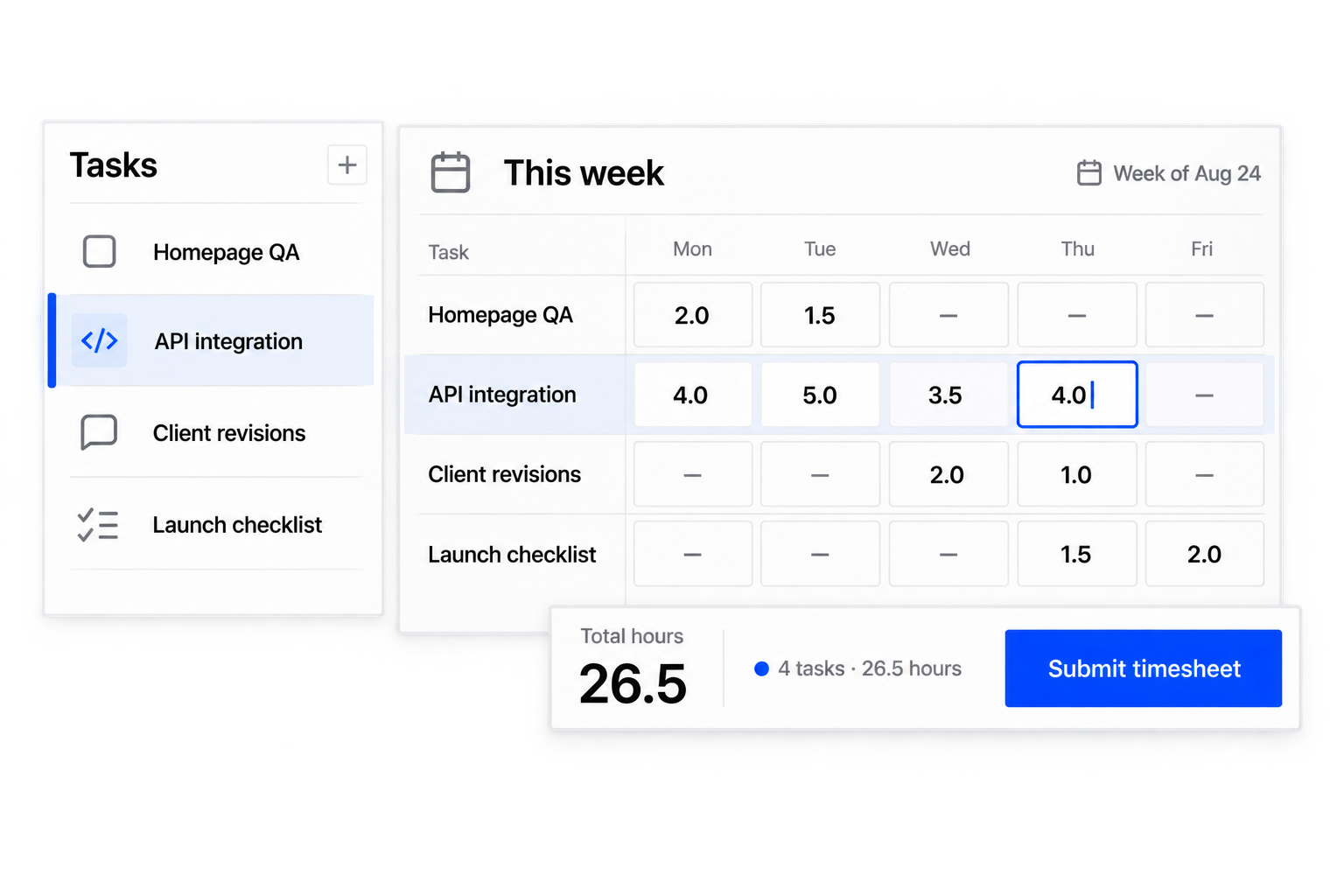
Use timesheet software to turn work hours into online timesheets ready for review.
Connect employee or contractor time to assignments and projects.
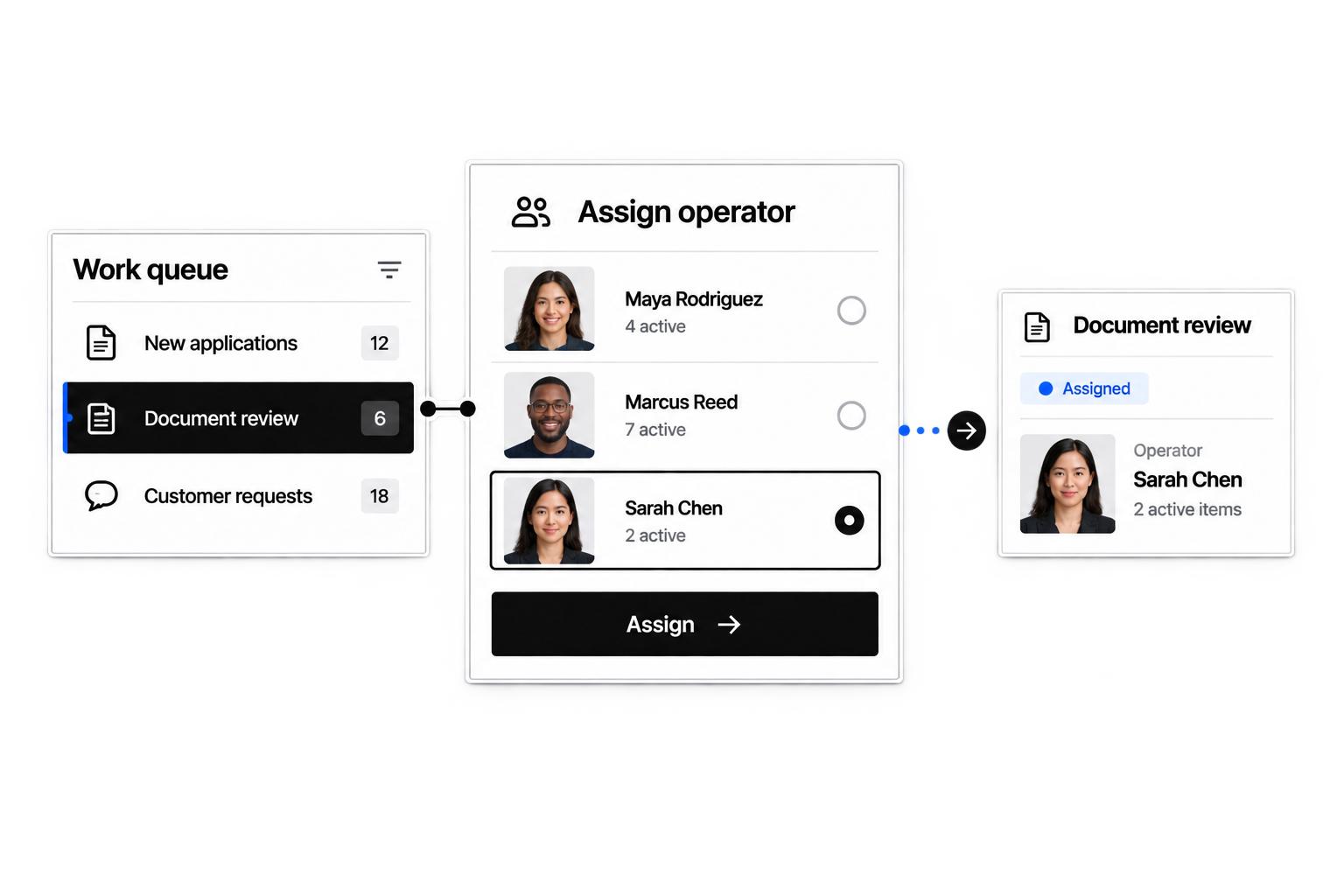
Route timesheets, attendance exceptions, and corrections for approval.
Time tracking software records hours worked through clock events or time entries and organizes them for review, approval, and reporting.
Yes. Configure time fields, policies, periods, roles, approvals, work categories, and interfaces around your operation.
You can configure clock-in and clock-out workflows with the context and required information your teams need.
Yes. Time records can connect to projects, tasks, assignments, or other configured work.
Yes. Submitted timesheets can route to the appropriate reviewer and move through correction or approval stages.
Yes. Forms, required fields, permissions, and review paths can vary by role or team.
Location context can be included where relevant to your configured time process.
This page does not claim payroll processing. Approved hours can serve as structured inputs to downstream payroll or payment processes.
Yes. Scheduled shifts, clock events, attendance status, tracked hours, and exceptions can be connected for manager review and operational reporting.
Describe how each workforce records and approves time, and Workhint uses AI to configure time policies, fields, worker interfaces, reviewer roles, and reporting workflows.
Yes. Configure GPS time tracking or other location context for relevant clock events, along with the fields, permissions, notices, and review workflow your organization requires.
You can configure a branded time tracking app with focused mobile views for clock-in, clock-out, time entries, attendance status, timesheet submission, and corrections based on each worker role.
Yes. Employee time tracking, contractor time tracking, and freelancer time tracking can use distinct policies, fields, work categories, permissions, and approval routes inside the same configurable workforce time tracking system.
Scheduled work, clock events, missed or late events, attendance status, and submitted hours can be connected for review. Managers can resolve exceptions before approving the relevant timesheet period.
 Build useful timesheets
 Relate time to tasks
 Route time for approval