Plan recurring schedules
 Plan recurring schedules
Turn coverage rules into recurring staff rosters and clear team calendars.
Configure an AI staff scheduling app around shifts, availability, assignments, staff calendars, rostering rules, roles, locations, and the way your workforce operates.
Scheduling Operations
Give managers and workers a white-labeled staff scheduling platform for coverage, staff availability management, shift planning, assignments, open shifts, and real-time calendar changes.
Turn coverage rules into recurring staff rosters and clear team calendars.
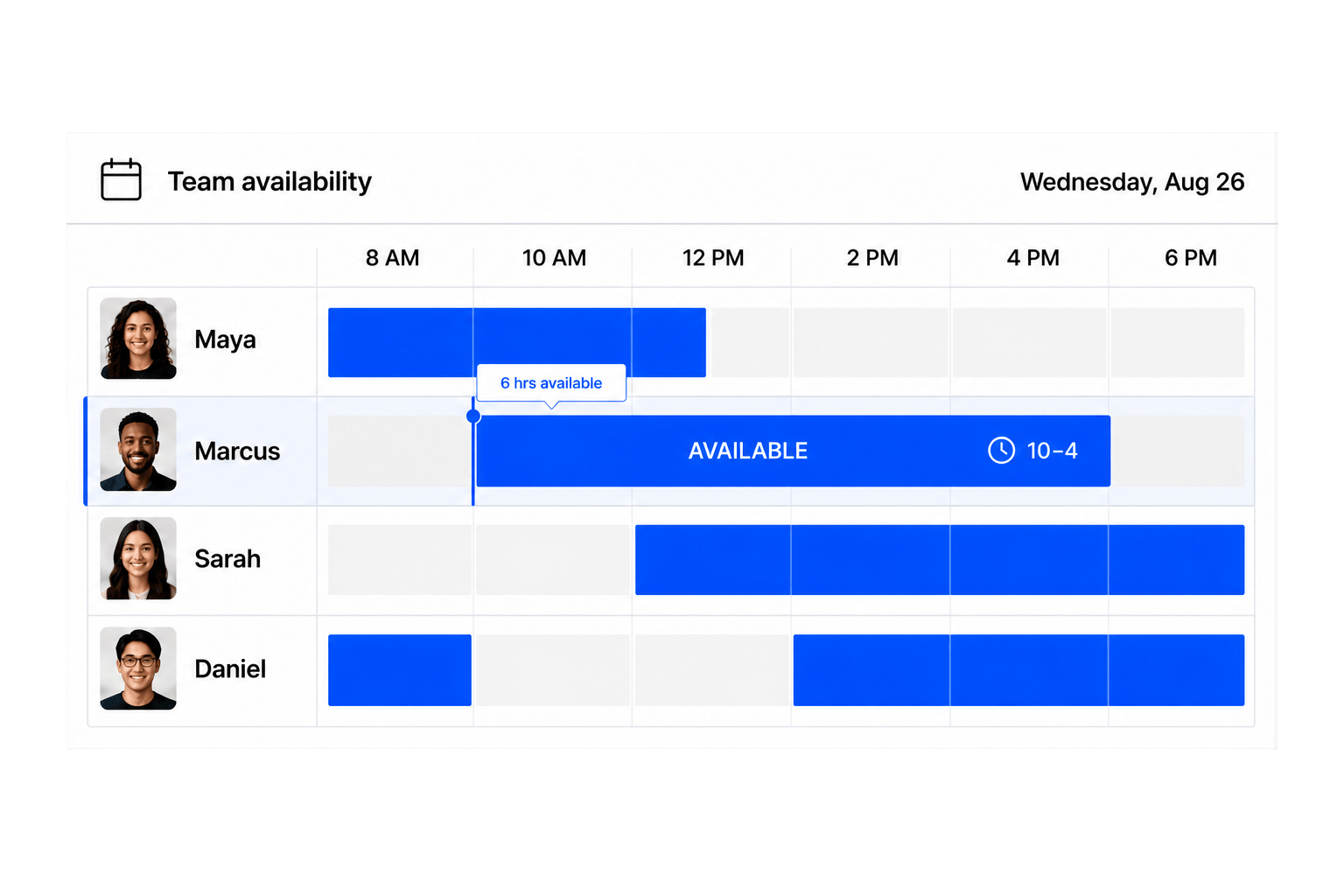
Use staff availability management to guide every assignment.
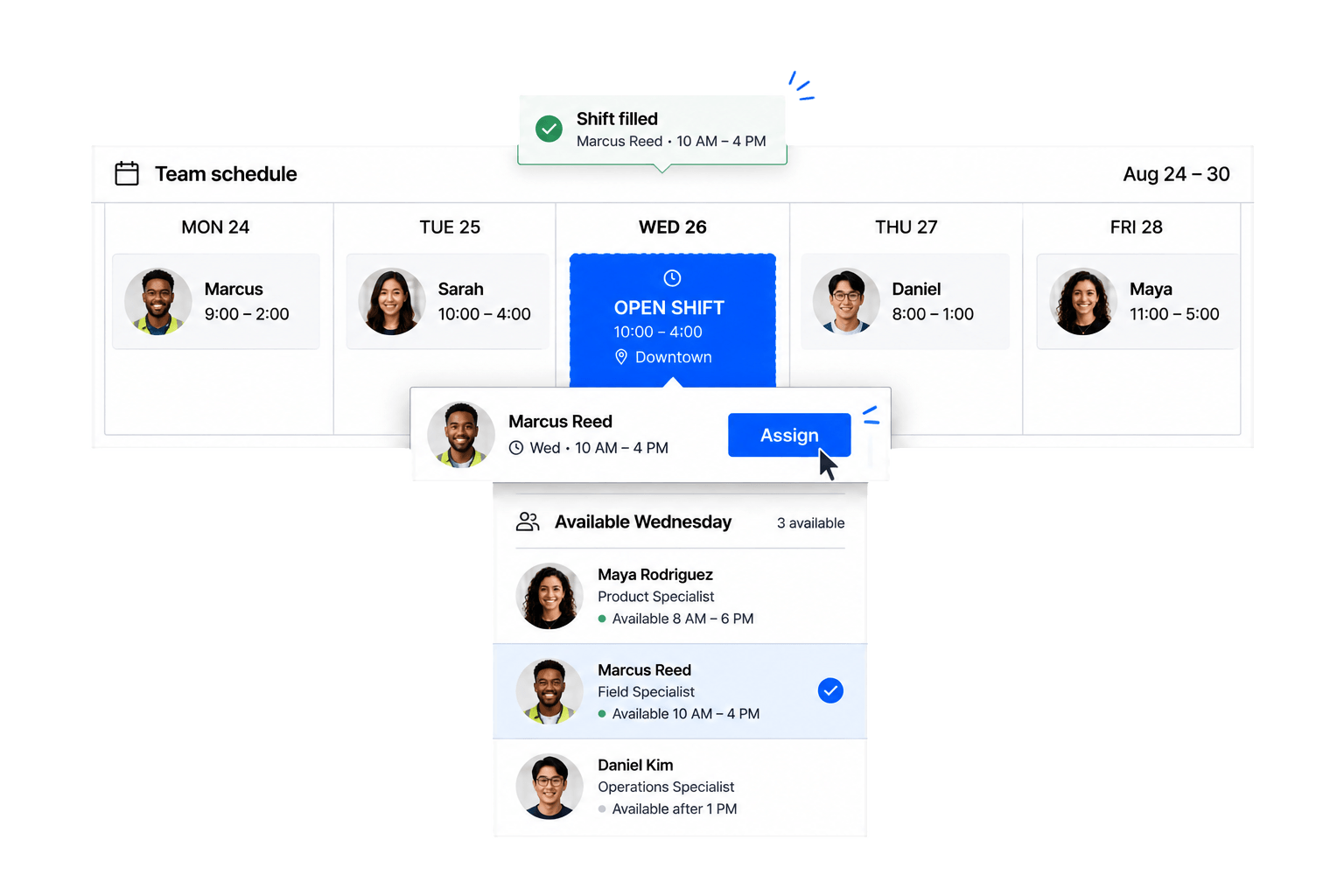
Make staff shift scheduling responsive when coverage changes.
Connect mobile staff scheduling with location-aware attendance records.
Staff scheduling software helps managers create shifts, match employees to coverage needs, publish schedules, and manage changes in one system.
Yes. Workhint lets you configure schedules, roles, locations, forms, permissions, and workflows around your operating model.
Yes. You can collect worker availability and make it visible to managers during scheduling.
Yes. Managers can publish open shifts and make them available to the appropriate workers based on your configured process.
Yes. Shift requirements, schedule views, and access can be configured for different locations, teams, and roles.
You can configure recurring shift patterns as well as one-time shifts for changing coverage needs.
You can define how changes, conflicts, reassignments, and approvals move between workers and managers.
Yes. Scheduled work can connect to worked-time records and manager review without claiming to replace your payroll system.
Describe your staffing model in a prompt, and Workhint uses AI to configure scheduling rules, roles, data, manager controls, and worker experiences around it.
Yes. Configure permissions and purpose-built views for managers, schedulers, supervisors, and workers, then present the staff scheduling experience under your brand.
Build staff rostering and employee rostering rules around roles, availability, locations, coverage, recurring patterns, and open shifts. Managers can use the staff scheduler to create assignments and publish the resulting staff calendar.
Yes. Configure mobile staff scheduling views so team members can see assigned shifts, submit availability, review calendar changes, and respond to open work through a role-appropriate experience.
Yes. Configure staff assignment software around qualifications, team, role, location, availability, and approval rules, giving managers one workforce and team scheduling process without forcing every group into the same setup.
 Collect team availability
 Fill open shifts
 Verify shift location