Schedule service visits
 Schedule service visits
Coordinate field technician scheduling across workers, time windows, territories, and locations.
Configure AI field service management around job intake, field dispatch, technician scheduling, mobile workforce management, tracking, portals, and completion workflows.
Mobile Service Operations
Connect field job management, dispatch, technician assignments, location tracking, and mobile status updates in field operations software shaped around your service model.
Coordinate field technician scheduling across workers, time windows, territories, and locations.
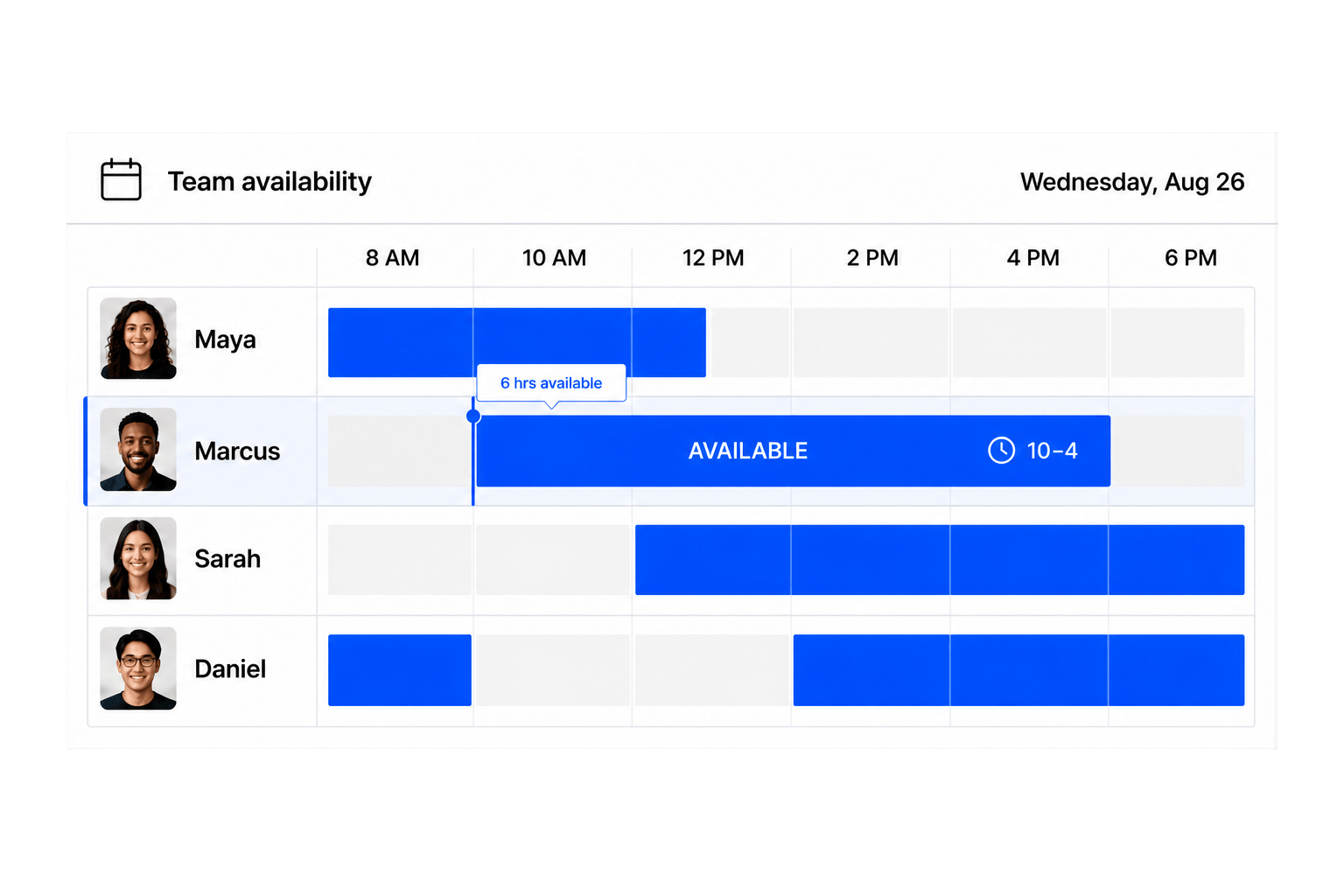
Use field dispatch software to match technicians with service jobs.
Give dispatchers field service tracking across routes and active jobs.
Capture forms, notes, and outcomes before each field job closes.
Field service software coordinates service requests, job assignments, schedules, field updates, and completion records for mobile teams.
Yes. Configure job types, stages, forms, roles, permissions, and assignment workflows around your service model.
You can include location, territory, job type, worker role, and availability in your configured assignment process.
Yes. Field workers can use their interface to update configured stages and submit required job information.
Yes. Build forms for checklists, notes, outcomes, and the completion evidence your operation requires.
Yes. Dispatchers can assign workers and coordinate job dates, time windows, and locations.
You can configure request forms and portals that collect the details needed to start your service workflow.
Yes. Technicians, dispatchers, supervisors, and requesters can have role-specific permissions and interfaces.
Describe your service model, and Workhint uses AI to configure the request forms, dispatch rules, technician roles, mobile interfaces, and completion workflow it requires.
Yes. Create branded, role-specific portals for customers, dispatchers, supervisors, and field workers without forcing everyone into the same interface.
Build mobile workforce management around field roles, territories, availability, job stages, location context, and required updates. Technicians get focused mobile views while dispatchers and supervisors retain operational visibility.
Yes. Field technician scheduling can account for service type, technician role, availability, territory, location, and time window using the rules you configure for your operation.
A white-labeled field service portal can present request forms, assigned jobs, status, required updates, and completion steps to the appropriate customer, technician, dispatcher, or supervisor.
Yes. Rather than adopting a rigid field service platform, use AI to configure the records, workflows, roles, dispatch logic, job management, and tracking your field workforce management process requires.
 Assign the field team
 Map job routes
 Record completion